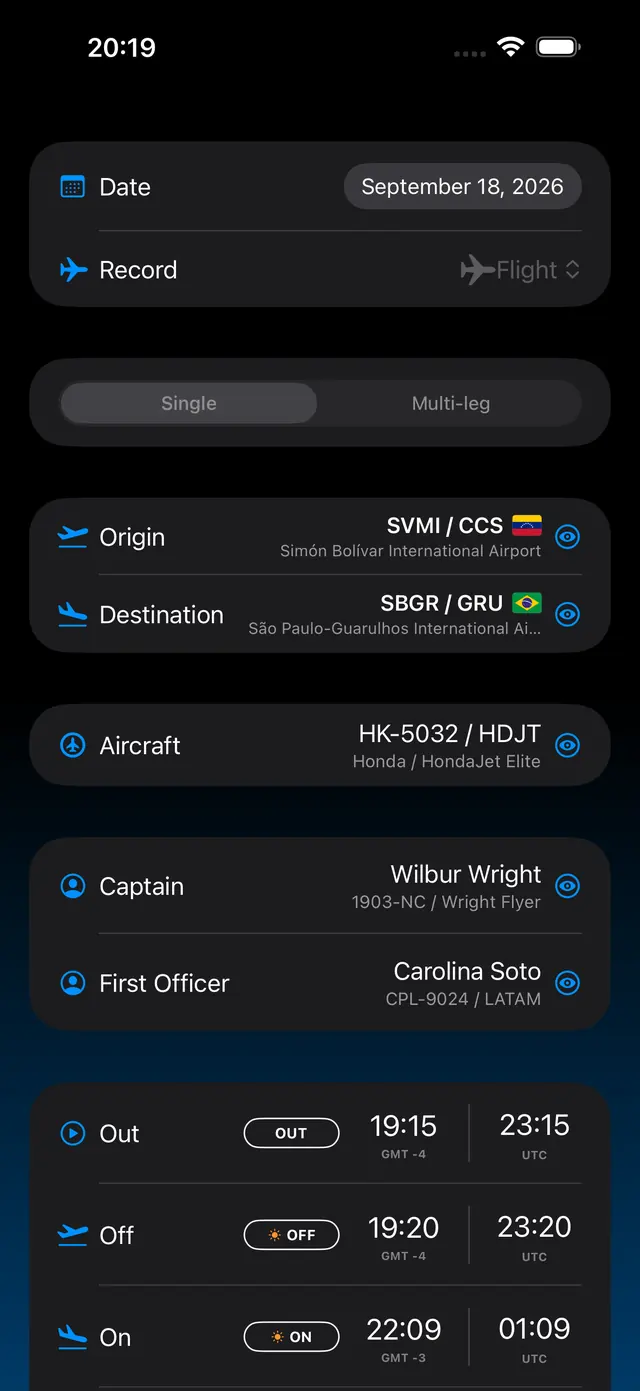
The flight form brings together airports, aircraft, crew, Out / Off / On / In times, roles and flight conditions. The history groups flights by year and month so you can find any entry again.
1 / 3
Flight entry · Real screen · sample data
Flight analysis
Turn your hours into a clear picture of your experience.
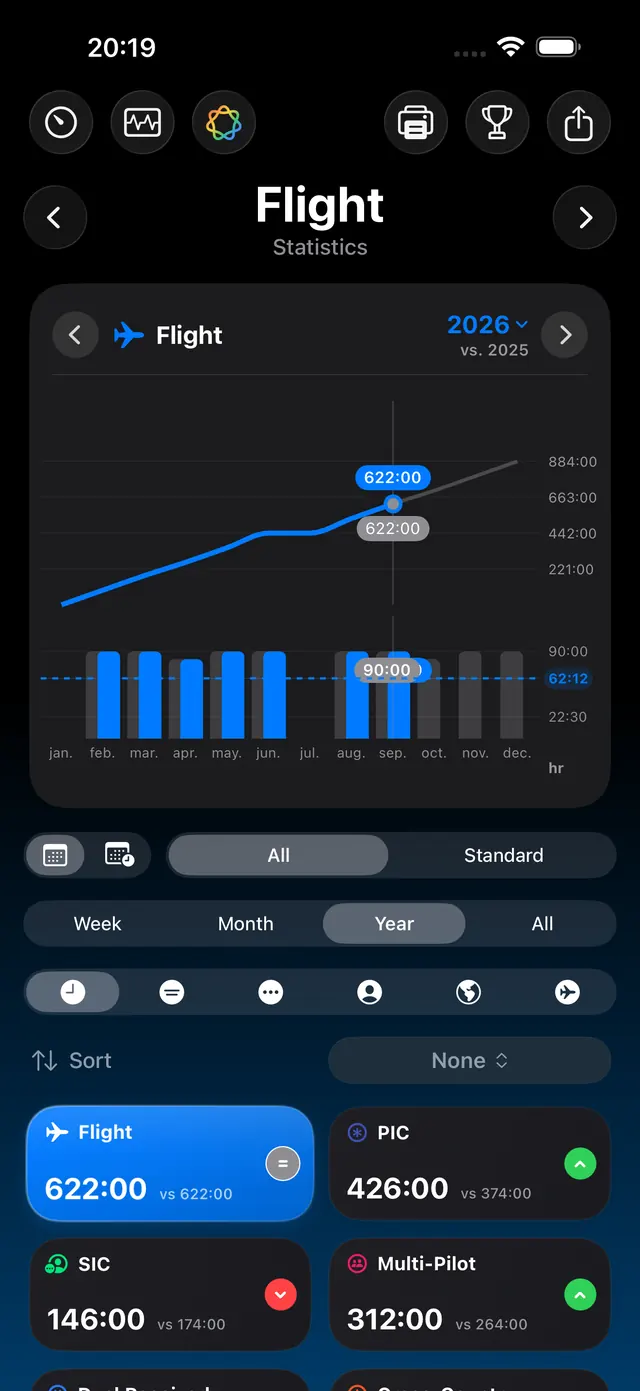
Explore flight and simulator charts by period. Compare activity, review hours by role and track goals in Statistics. Advanced views are part of Pro.
1 / 3
Flight statistics · Real screen · sample data
Routes and airports
See how far your logbook has taken you.
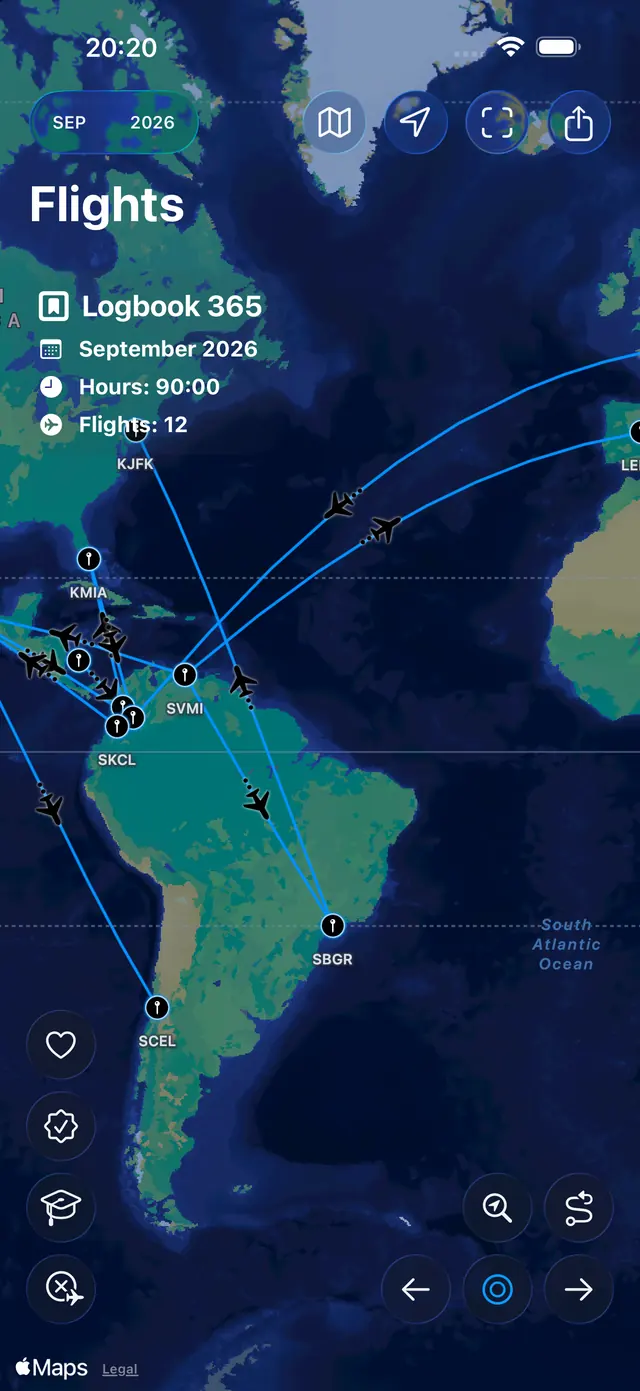
The map connects your logged routes and lets you explore airports and individual journeys. You can also prepare a shareable image of your map.
1 / 2
Route map · Real screen · sample data
Operational safety
Keep duty, rest and fatigue in view.
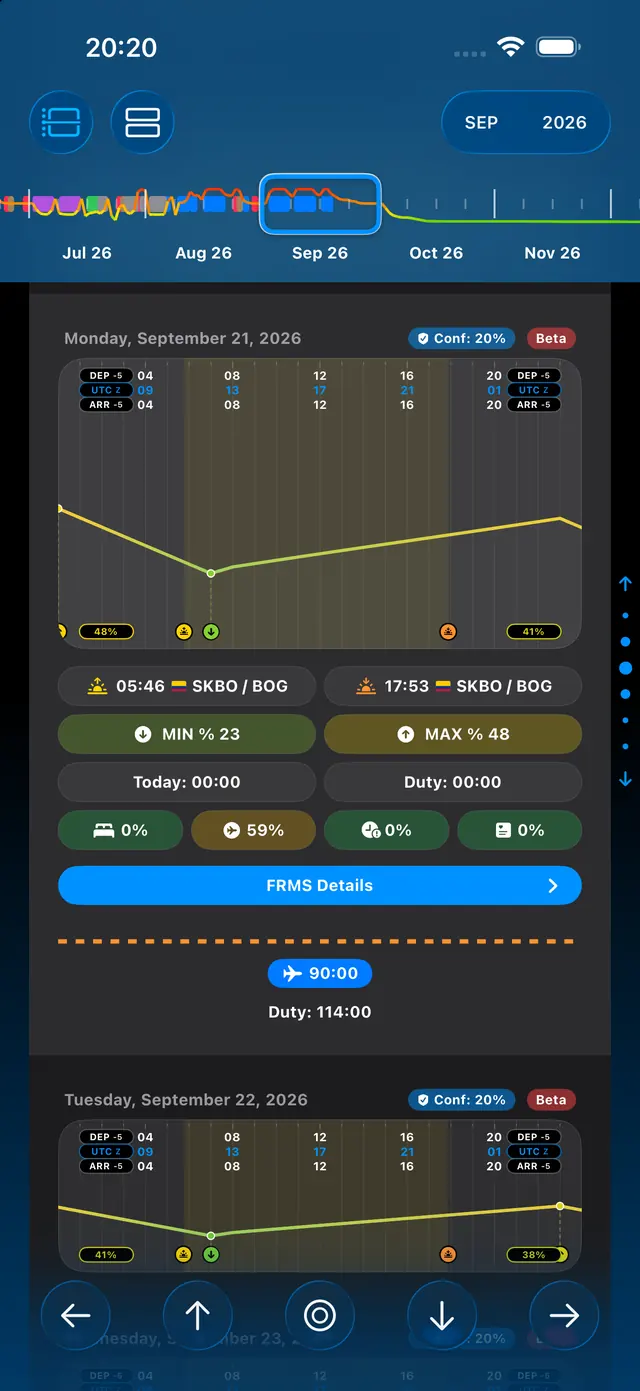
FRMS 365 brings activity, limits and rest into daily and monthly views. Its charts help you understand operational workload alongside your logged history. Available in Pro.
1 / 2
Monthly FRMS · Real screen · sample data
Documentation
Your professional information, organized.
The database brings together aircraft, crew, airports, simulators, certificates and notes. Your profile stores licenses, prior experience and pilot details.
1 / 2
Database · Real screen · sample data
Portability
Take your logbook into the formats you need.
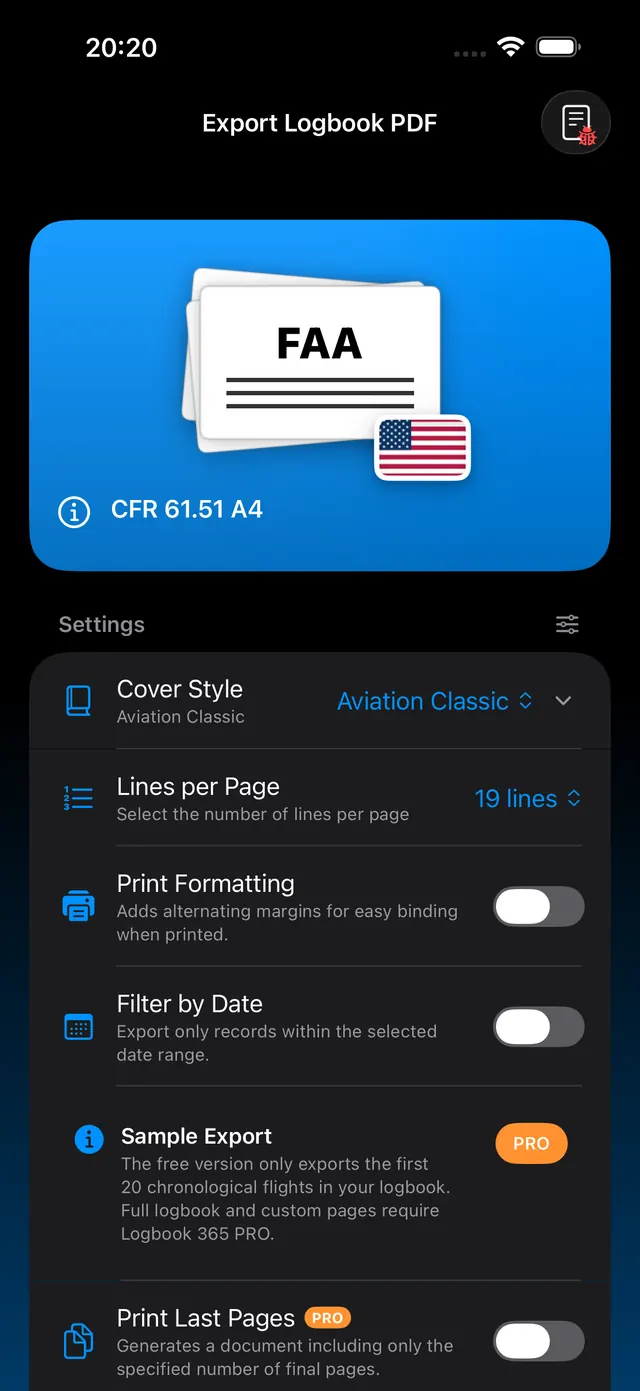
Create a logbook PDF using templates for different markets, and export data to Excel, CSV or JSON. The app also has import options for your existing records.